
Ollama vs. llama.cpp
Two programs side by side: Who is each one for, what runs on your hardware, and how much work is the installation?
In short
For most people, Ollama is the better choice because it loads and starts models with one command. Technically, Ollama is built on llama.cpp. Using llama.cpp directly is worth it if you want to choose every setting yourself and are comfortable with the command line.
Ollama
Choose Ollama if you want to start local models quickly and without much setup.
llama.cpp
Choose llama.cpp if you want full control over all settings and want to use new models as early as possible.
The most important differences
| Ollama | llama.cpp | |
|---|---|---|
| What for | A lightweight service that loads language models with one command and runs them locally — the foundation for many other interfaces. | The fast C/C++ engine behind many local AI programs, with a server and simple web interface. |
| Who it’s for | For beginners | For advanced users |
| Installation | Installation is easy | Installation is moderate |
| Use | Background service with command line, API, and simple chat app | Command line with built-in web interface |
| Windows | yes | yes |
| Linux | yes | yes |
| macOS | yes | yes |
| NVIDIA | yes | yes |
| AMD | limited | yes |
| Intel Arc | limited | yes |
| Apple (M chips) | yes | yes |
| processor only | yes | yes |
| Hardware note | NVIDIA starting with Compute Capability 5.0 with current drivers; AMD on Windows via ROCm only for selected RX-7000 cards, otherwise via Vulkan; Intel GPUs via Vulkan. | Ready-made Windows packages are available for CUDA (NVIDIA), Vulkan (all manufacturers), ROCm (AMD), SYCL (Intel), and pure CPU; on Mac, it uses Metal. |
| Price | free, cloud models partly paid | free |
| License | MIT · Open Source | MIT · Open Source |
| By | Ollama Inc. | ggml-org (Georgi Gerganov) |
| Version | v0.40.7 (Oct 18, 2026) | v0.7.0 (Oct 15, 2026) |
Strengths and weaknesses

Ollama
- Very easy installation and model management
- Local API that many other programs can work with
- Supports NVIDIA, AMD (in part), and Apple
- Very active development with frequent updates
- Few customization options in its own app
- Many functions only via command line or environment variables
- AMD acceleration via ROCm on Windows only for a few cards
For you if you want to quickly start local models or need a foundation for Open WebUI and other interfaces.
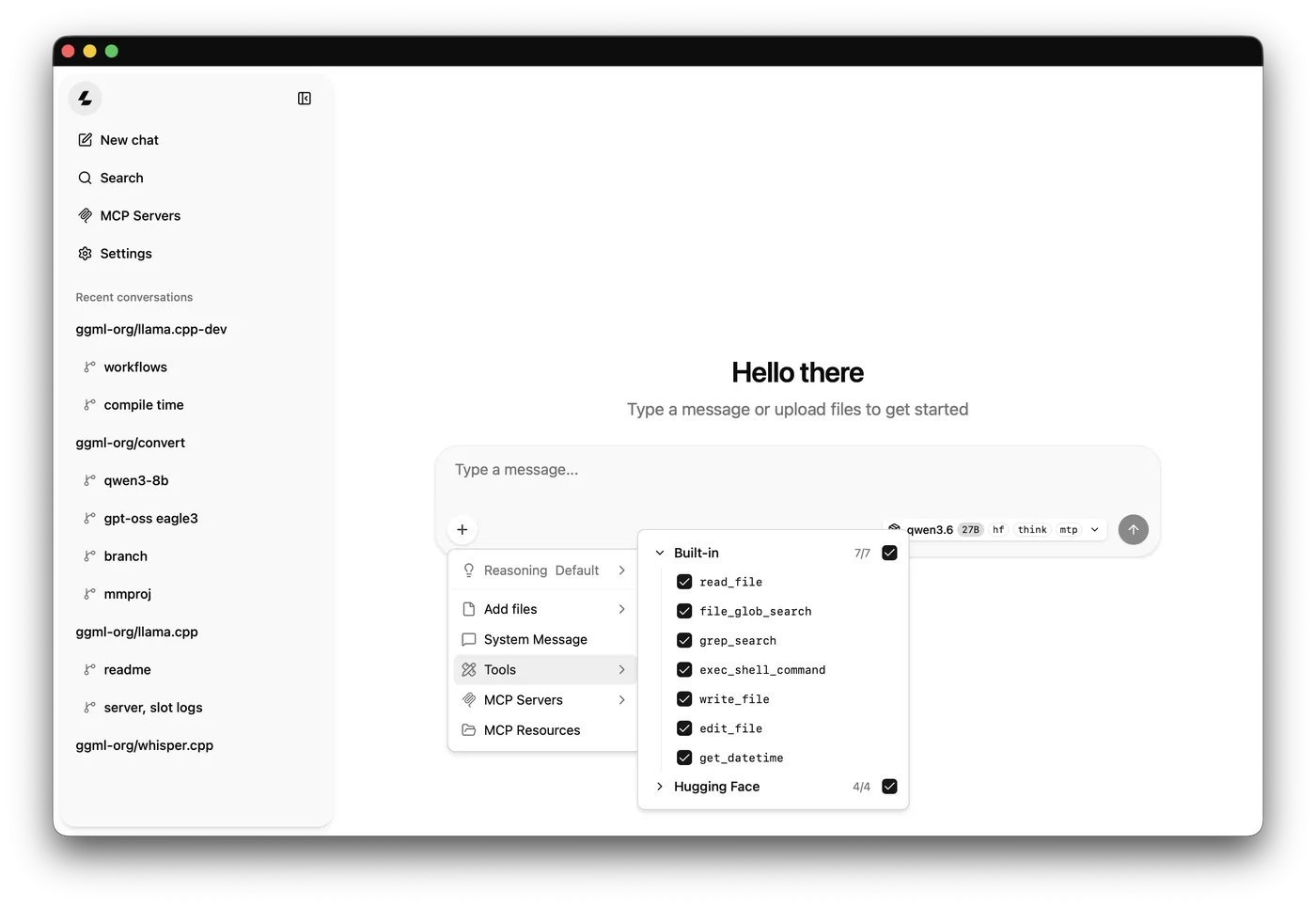
llama.cpp
- Very broad hardware support
- Full control over all settings
- New models are often supported first
- Very frequent updates
- Operation mainly via command line
- You have to choose the right models yourself
- Many options can overwhelm beginners
For you if you want maximum control and performance and are comfortable with the command line.
How to install them
Ollama
You download OllamaSetup.exe and install it without admin rights, or alternatively use a PowerShell command. After that, Ollama runs in the background, and you get models with `ollama run <modell>` or in the app.
llama.cpp
You download the matching ready-made package (e.g. CUDA or Vulkan) from the release page and extract it, or alternatively use a PowerShell script or Docker. You start it from the command line, and then there is a web interface in the browser.
Download programs only from the official site or the official repository.
Frequently Asked Questions
Which is better, Ollama or llama.cpp?
For most people, Ollama is the better choice because it loads and starts models with one command. Technically, Ollama is built on llama.cpp. Using llama.cpp directly is worth it if you want to choose every setting yourself and are comfortable with the command line. Choose Ollama if you want to start local models quickly and without much setup. Choose llama.cpp if you want full control over all settings and want to use new models as early as possible.
Is llama.cpp faster than Ollama?
Both use the same compute engine, because Ollama is built on llama.cpp. But with llama.cpp, you can set all startup parameters yourself and get more out of your hardware. The trade-off is that you have to learn it first.
Which runs better on an AMD or Intel graphics card?
llama.cpp offers ready-made Windows packages for Vulkan (all vendors), ROCm (AMD), and SYCL (Intel). On Windows, Ollama uses ROCm only for selected RX-7000 cards; otherwise it uses Vulkan. So with AMD or Intel, llama.cpp gives you more options.
More comparisons
Checked on Oct 21, 2026. All details in depth: Ollama and llama.cpp.