
GPT4All vs. LM Studio
Two programs side by side: Who is each one for, what runs on your hardware, and how much work is the installation?
In short
For a fresh start, LM Studio is the better choice. GPT4All has not had a new release since February 2025, so it lacks support for many newer models. GPT4All is open source, though, and also runs with CPU only.
GPT4All
Choose GPT4All if you already know the app and want to chat on a weaker computer with CPU only.
LM Studio
Choose LM Studio if you are just getting started and want an actively maintained app with current models.
The most important differences
| GPT4All | LM Studio | |
|---|---|---|
| What for | A simple desktop app for chatting with local models and your own documents, but it is hardly being developed anymore. | Convenient desktop app for searching, downloading, and chatting with local language models, including a local API server. |
| Who it’s for | For beginners | For beginners |
| Installation | Installation is easy | Installation is easy |
| Use | Desktop app | Desktop app |
| Windows | yes | yes |
| Linux | yes | yes |
| macOS | yes | yes |
| NVIDIA | yes | unclear |
| AMD | yes | unclear |
| Intel Arc | unclear | unclear |
| Apple (M chips) | unclear | yes |
| processor only | yes | yes |
| Hardware note | GPU acceleration runs via Vulkan for NVIDIA and AMD; on the Mac, the project says it works best with Apple Silicon. | Works with llama.cpp and, on Apple Silicon Macs, additionally with MLX; for Windows, the documentation recommends at least 4 GB VRAM, but does not name any specific GPU manufacturers. The CPU must support AVX2, Intel Macs are not supported. |
| Price | free | free, additional subscriptions Bionic+ (20 USD/month) and Pro (100 USD/month) are paid |
| License | MIT · Open Source | proprietary, free for private use and internal use within companies |
| By | Nomic AI | Element Labs (LM Studio) |
| Version | v3.10.0 (Feb 25, 2025) | 0.4.26 |
Strengths and weaknesses
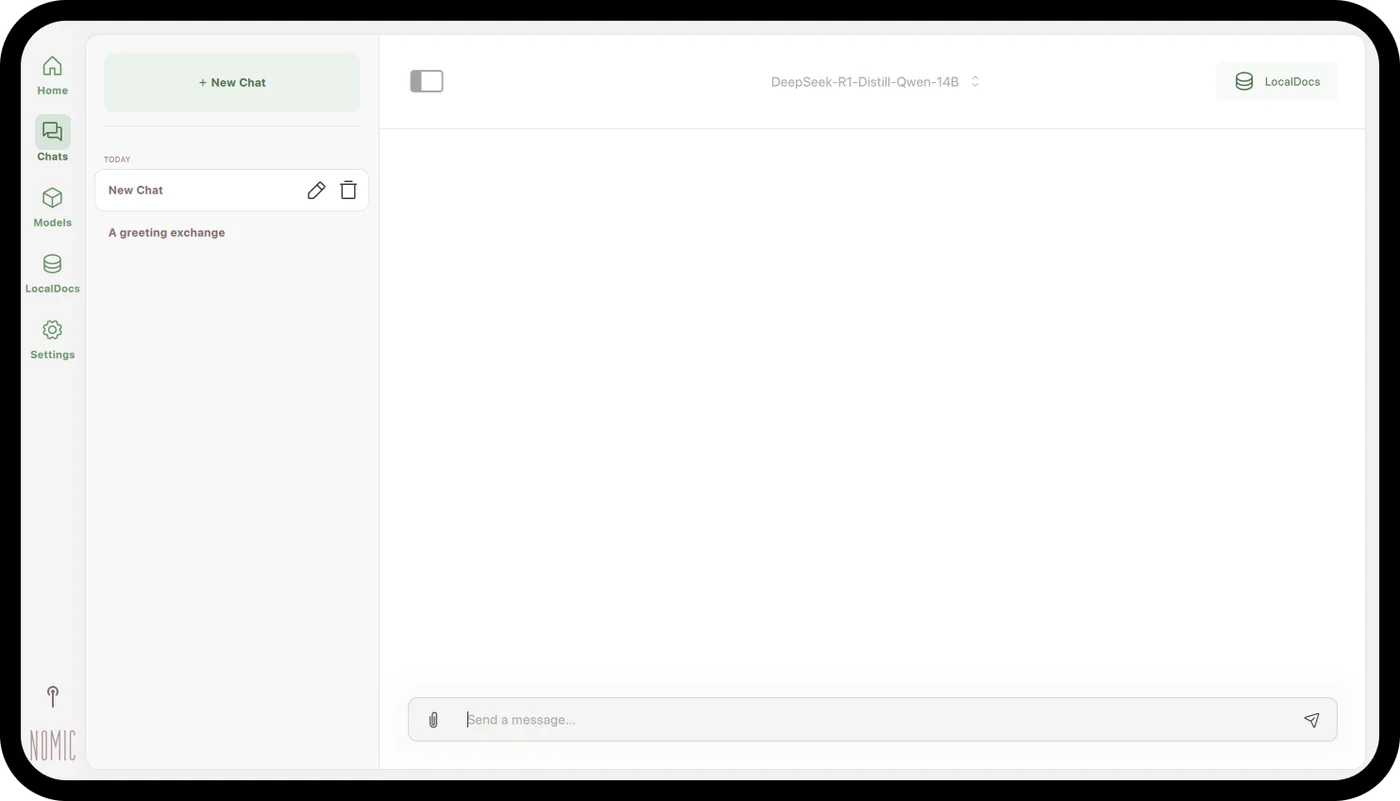
GPT4All
- Very easy to use
- Also runs with CPU only
- Built-in chat with your own documents
- Open source (MIT)
- No new release since February 2025
- Newer models may not be supported
- Many open, unanswered issues
For you if you want to keep using a familiar, simple app — but probably not for beginners anymore.
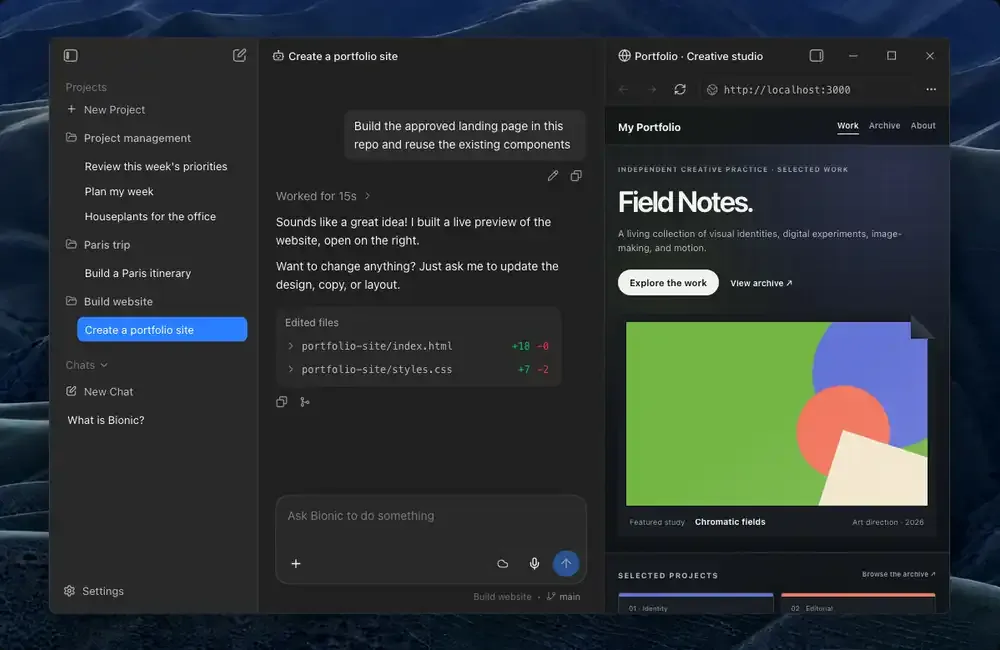
LM Studio
- Very beginner-friendly interface
- Model search and download directly in the app
- Local API server and MCP support
- Free for private and work use
- Not open source
- Requires a CPU with AVX2 and, on macOS, Apple Silicon
- Paid add-on subscriptions are pushed more strongly into the foreground
For you if you want to try local models without the command line and open source is not important to you.
How to install them
GPT4All
You download the Windows installer from the project page and install it like a normal program. After that, you select models in the app.
LM Studio
You download the Windows installer from lmstudio.ai and install it like a normal program. After that, you search for and download models directly in the app.
Download programs only from the official site or the official repository.
Frequently Asked Questions
Which is better, GPT4All or LM Studio?
For a fresh start, LM Studio is the better choice. GPT4All has not had a new release since February 2025, so it lacks support for many newer models. GPT4All is open source, though, and also runs with CPU only. Choose GPT4All if you already know the app and want to chat on a weaker computer with CPU only. Choose LM Studio if you are just getting started and want an actively maintained app with current models.
Is there an open-source alternative to LM Studio that is still maintained?
Yes, Jan is an actively maintained desktop app with a similar interface and is licensed under Apache-2.0. GPT4All is also open source (MIT), but it has not had a release since February 2025.
More comparisons
Checked on Oct 21, 2026. All details in depth: GPT4All and LM Studio.