
Fooocus vs. ComfyUI
Two programs side by side: Who is each one for, what runs on your hardware, and how much work is the installation?
In short
For your very first AI images with no prior knowledge, Fooocus is easier: enter a prompt, get an image. But Fooocus is no longer being developed and only supports SDXL models. If you want to use newer models like Flux or plan for the long term, choose ComfyUI.
Fooocus
Choose Fooocus if you want to quickly create your first images without any learning curve, even on an older PC with an NVIDIA card with at least 4 GB of VRAM.
ComfyUI
Choose ComfyUI if you want to use new image and video models and control exactly what happens.
The most important differences
| Fooocus | ComfyUI | |
|---|---|---|
| What for | Very simple image AI based on SDXL: enter a prompt, get an image, almost no settings needed. | A very flexible program for AI image, video, and audio, where you put together workflows from nodes. |
| Who it’s for | For beginners | For advanced users |
| Installation | Installation is easy | Installation is easy |
| Use | Web interface in the browser | Web interface in the browser with node editor (also as a desktop app) |
| Windows | yes | yes |
| Linux | yes | yes |
| macOS | limited | yes |
| NVIDIA | yes | yes |
| AMD | limited | yes |
| Intel Arc | unclear | yes |
| Apple (M chips) | limited | yes |
| processor only | limited | limited |
| Hardware note | NVIDIA RTX starting at 4 GB VRAM (GTX 9xx/10xx starting at 8 GB); AMD on Windows via DirectML (beta, about 3 times slower), Mac about 9 times slower, CPU only about 17 times slower. | For Windows, there are separate portable packages for NVIDIA (CUDA), AMD (ROCm), and Intel; a CPU mode is possible, but very slow. |
| Price | free | free (plus optional cloud service Comfy Cloud) |
| License | GPL-3.0 · Open Source | GPL-3.0 · Open Source |
| By | lllyasviel (Lvmin Zhang) | Comfy Org |
| Version | v2.5.5 (Aug 12, 2024) | v0.42.1 (Oct 19, 2026) |
Strengths and weaknesses
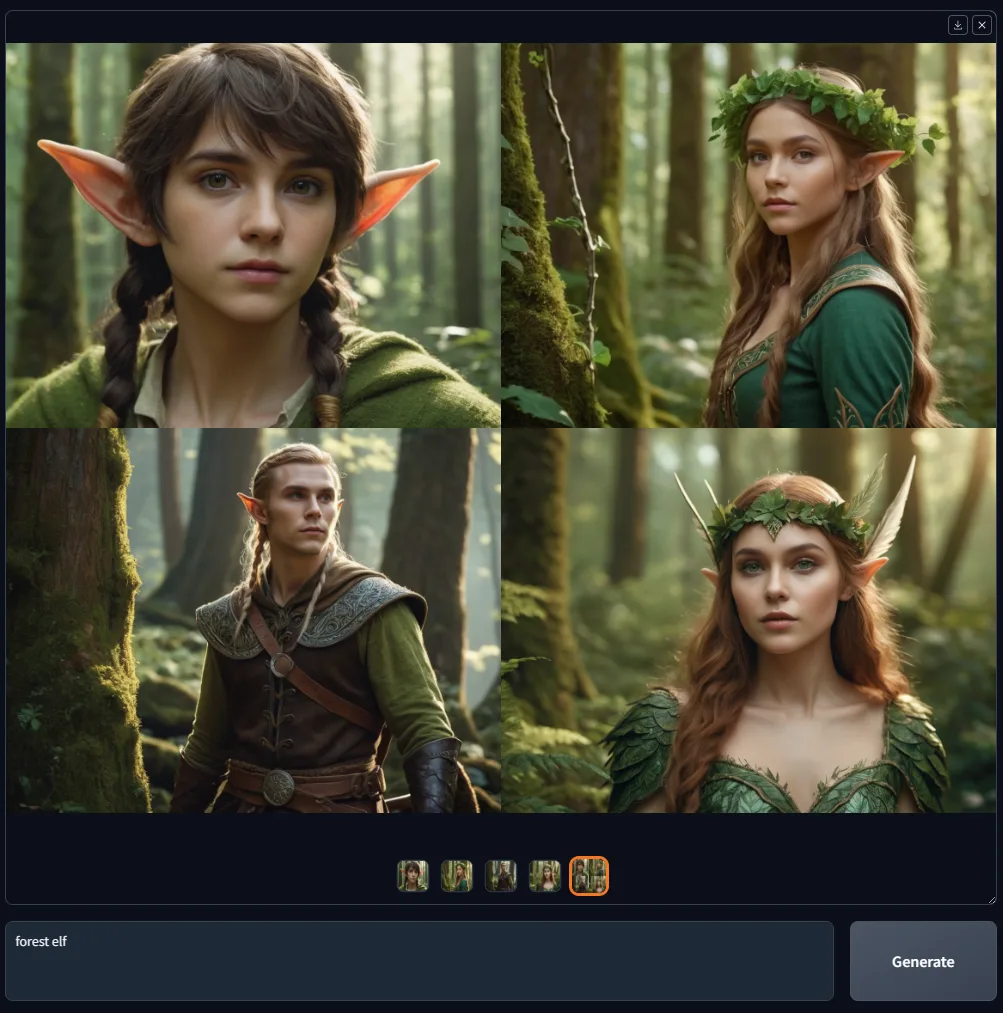
Fooocus
- Extremely easy to get started
- Runs on NVIDIA cards starting at 4 GB VRAM
- Models are loaded automatically
- Good results without much tweaking
- No further development, only SDXL models
- Little control for advanced users
- AMD and Mac support is slow
For you if you want to generate your first AI images quickly on an older PC without prior knowledge.
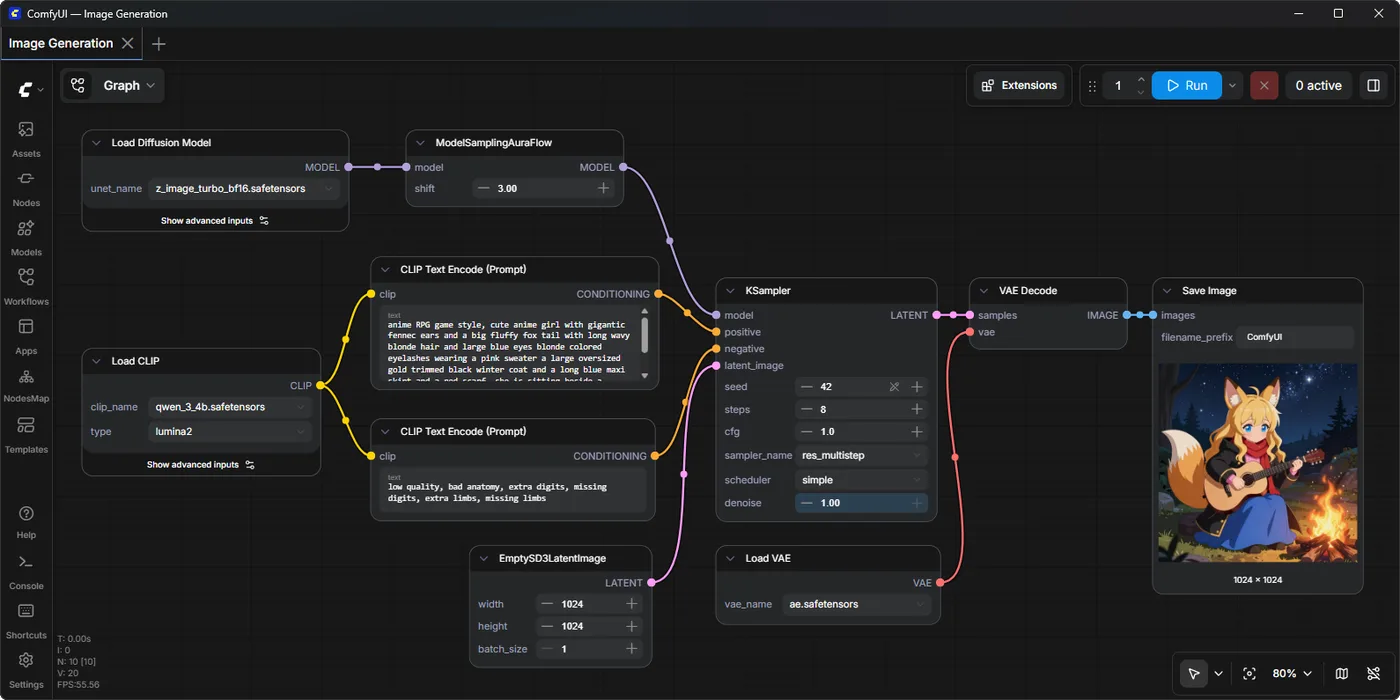
ComfyUI
- Usually supports new models first
- Very flexible thanks to node workflows
- Desktop app and portable version for Windows
- Huge selection of extensions (custom nodes)
- Runs on NVIDIA, AMD, Intel, and Apple
- Node interface can be confusing at first for beginners
- Third-party extensions can introduce conflicts or security risks
- Frequent updates sometimes change workflows
For you if you want to use the latest image and video models and precisely control what happens.
How to install them
Fooocus
You download the 7z package (v2.5.0) from the README, unpack it, and start run.bat; the models are downloaded automatically on the first launch.
ComfyUI
The easiest way is to download the official desktop app (Windows installer .exe) from comfy.org. Alternatively, there is a portable 7z version for NVIDIA, AMD, or Intel: unpack it and start the matching run_…_gpu.bat.
Guide: Set up and maintain ComfyUI on Windows
Guide: Your First Image with ComfyUI
Download programs only from the official site or the official repository.
Frequently Asked Questions
Which is better, Fooocus or ComfyUI?
For your very first AI images with no prior knowledge, Fooocus is easier: enter a prompt, get an image. But Fooocus is no longer being developed and only supports SDXL models. If you want to use newer models like Flux or plan for the long term, choose ComfyUI. Choose Fooocus if you want to quickly create your first images without any learning curve, even on an older PC with an NVIDIA card with at least 4 GB of VRAM. Choose ComfyUI if you want to use new image and video models and control exactly what happens.
Can I use FLUX models in Fooocus?
No. Fooocus only works with SDXL models and no longer gets new model families. For FLUX.2 and other new models, you need for example ComfyUI, SwarmUI, or InvokeAI.
More comparisons
Checked on Oct 21, 2026. All details in depth: Fooocus and ComfyUI.