Overview
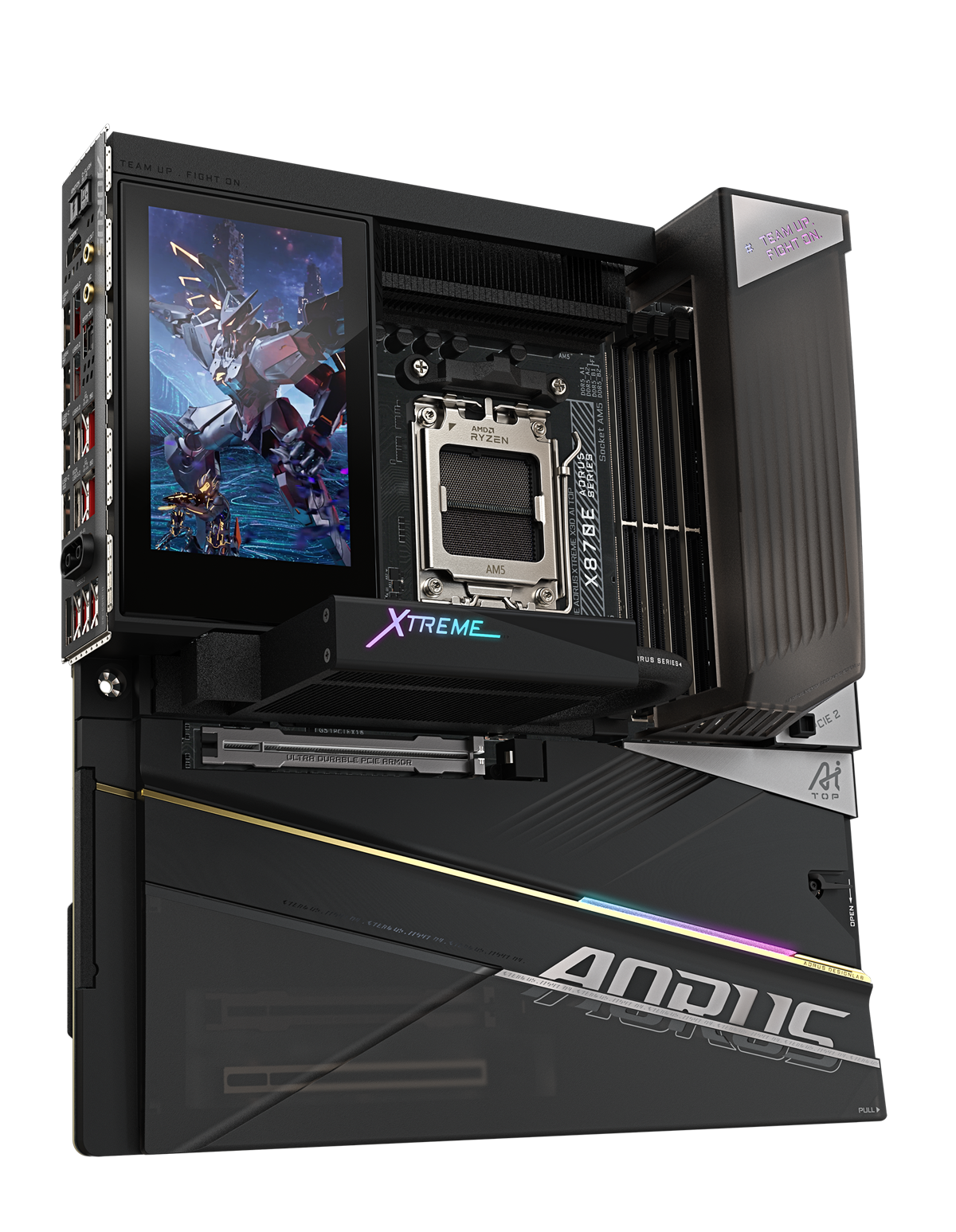
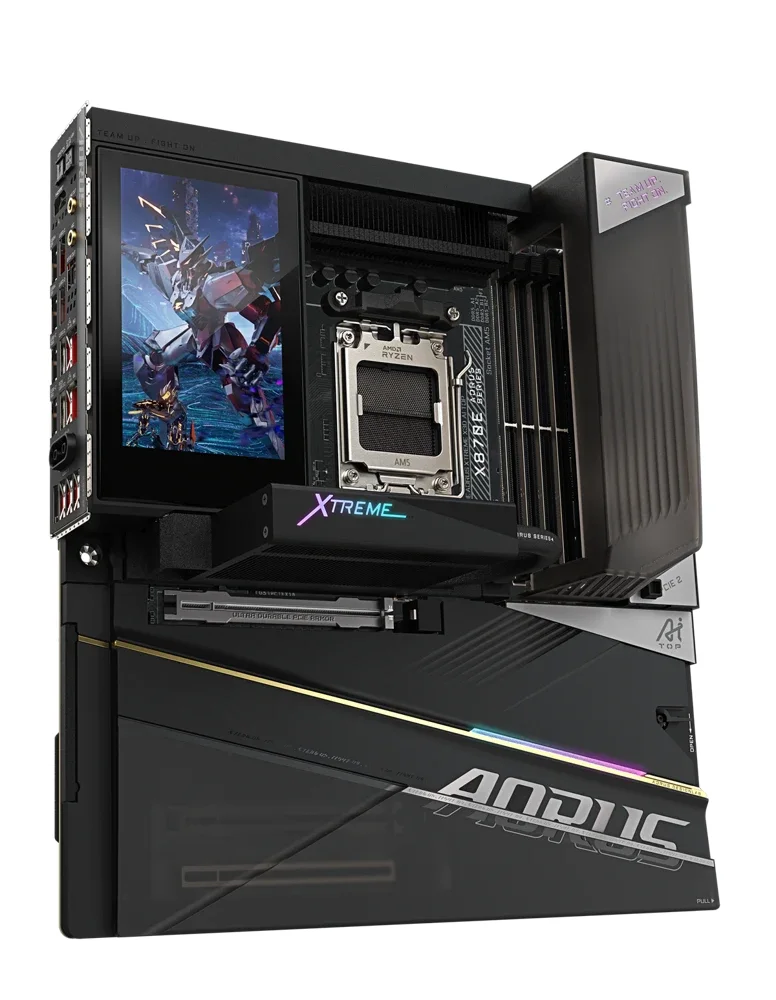
The X870E AORUS XTREME X3D AI TOP is GIGABYTE’s flagship motherboard for the AM5 socket. It fits Ryzen processors from the 7000, 8000, and 9000 series and, according to GIGABYTE, is especially tailored to the X3D models with extra cache. It was introduced in November 2025, and at CES in January 2026 GIGABYTE showed it as the flagship of the new X3D lineup.
The board is the revised version of the X870E AORUS XTREME AI TOP. Tom's Hardware summarizes the differences like this: one more M.2 slot (five instead of four), a second M.2 slot with PCIe 5.0, a stronger voltage regulator, and a new look with a 5-inch display. It’s built for people who want a very fast gaming or work PC and are willing to spend a lot of money on features and build quality.
What it brings for AI
For local AI, what matters most is how many graphics cards you can install and how much VRAM you end up with. Here, the board has two PCIe 5.0 slots that connect directly to the processor. With one card, the top slot runs at 16 lanes (data lanes). If you plug a second card into the second slot, both share the lanes and run at 8 lanes each. PCIe 5.0 x8 matches PCIe 4.0 x16 in bandwidth, which is plenty for two graphics cards.
A calculation example: A language model with 4-bit quantization (the weights are reduced to 4 bits) needs roughly 0.6 GB per billion parameters, plus buffer space for the context. With one 24 GB card, that gets you models up to about 30 billion parameters. With two 32 GB cards, you have 64 GB available, which is enough for a 70-billion model with around 42 GB plus buffer. Programs like llama.cpp or vLLM then split the model across both cards.
AM5 is limited when it comes to RAM: there are four slots for up to 256 GB DDR5, but only two memory channels. You can offload large models into RAM in part. But that runs much slower than in VRAM because the bandwidth of two channels is far below that of a graphics card. That’s fine for occasional experiments with large models, but not for smooth work.
The “AI TOP” in the name stands for GIGABYTE’s AI Top Utility software, which, according to the manufacturer, lets you fine-tune models on your own PC, and for the networking hardware. Two 10-gigabit connections (10GbE) let you connect multiple PCs quickly or load model files quickly from a NAS. The second AI feature, “X3D Turbo Mode 2.0,” is instead an automatic performance adjustment for games and has nothing to do with AI applications.
Features in detail
The CPU power delivery is generous: according to GIGABYTE, 24 phases for the cores with power stages rated at 110 A each, plus two phases for the SoC part and two more. Club386 measured 45 °C on the voltage regulators in its test. That is enough even for a Ryzen 9 under sustained load.
For storage, there are five M.2 slots. Two connect to the processor and support PCIe 5.0 x4, while three connect to the chipset with PCIe 4.0. There are also only two SATA ports. There are some dependencies: according to GIGABYTE, the second PCIe 5.0 M.2 slot shares bandwidth with the USB4 controller. The third PCIe slot (PCIe 4.0 x4 from the chipset) shares lanes with one M.2 slot. Even so, there is enough room for model collections of several terabytes.
On the back, you’ll find two USB4 ports with 40 Gbit/s, two more USB-C ports, eight USB-A ports with 10 Gbit/s, HDMI 2.1, the two 10GbE ports, and connectors for the Wi-Fi 7 antenna. To make sure the graphics cards get enough power, the board has an extra PCIe power connector (6+2-pin). Tom's Hardware names an RTX 5090 or two graphics cards as the intended use case. The standout feature is the 5-inch display on the edge, which shows temperatures, clocks, and error codes.
In Club386’s test, the board performs in games and in Cinebench on par with the much cheaper X870E AORUS ELITE X3D. The reviewer sees the advantage in build quality, cooling, and overclocking headroom. Club386 was unimpressed with X3D Turbo Mode 2.0: it did not reach GIGABYTE’s promised up to 25 percent more performance in games.
Who is it worth it for?
This board is a good fit if you’re building a fast AM5 gaming PC and also want to run local AI models with one or two graphics cards. Anyone who values 10GbE and USB4 will also be well served here. If you mainly want to do AI work, you’re usually better off with a cheaper board and putting the saved money into more VRAM.
Limitations
The price is high. Club386 lists £1,032.99, Tom's Hardware reported a price of $999.99 in April 2026, and PC Games Hardware saw the board in January 2026 starting at around €1,100 in price comparisons. For AI, that’s a lot of money, because technically it remains a desktop board with two graphics card slots and two memory channels. More than 256 GB of RAM and more than two sensibly connected graphics cards are not possible. The “AI” in the name is largely marketing: the really useful AI features are the 10GbE network and the split across two cards, and those are also available on cheaper boards.
The third PCIe slot hangs off the chipset and has only four lanes with PCIe 4.0. A third graphics card would be heavily bottlenecked there. Club386 also criticizes the power connectors being located far down, which can make cable routing difficult in some cases. The board is E-ATX, so you need a large case.
Alternatives
- GIGABYTE X870E AORUS XTREME AI TOP: the predecessor with the same layout for two graphics cards and also dual 10GbE, but only four M.2 slots. Often cheaper.
- GIGABYTE B850 AI TOP: the budget entry into the AI TOP series, also with dual 10GbE.
- GIGABYTE TRX50 AI TOP: If you really need more than two graphics cards and a lot of RAM, the Threadripper platform offers four fully connected x16 slots and up to 2 TB RAM, but it costs significantly more.
This report is based on manufacturer information and published tests; we did not test the device ourselves.