
Pinokio vs. Stability Matrix
Two programs side by side: Who is each one for, what runs on your hardware, and how much work is the installation?
In short
For image AI, Stability Matrix is the better choice: It installs ComfyUI, Forge, InvokeAI, and others and shares the models between them. Pinokio is broader and installs many different AI apps with one click, not just for images. With Pinokio, you should look at unknown installation scripts first.
Pinokio
Choose Pinokio if you want to quickly try lots of different AI apps and you take a close look at unknown scripts.
Stability Matrix
Choose Stability Matrix if you want to use several image AI programs without setting up each one separately.
The most important differences
| Pinokio | Stability Matrix | |
|---|---|---|
| What for | App browser that installs and launches open-source AI programs with one click, controlled through installation scripts. | Desktop app that installs and updates ComfyUI, Forge, SD.Next, InvokeAI, and other image AI interfaces in just a few clicks. |
| Who it’s for | For beginners | For beginners |
| Installation | Installation is easy | Installation is easy |
| Use | Desktop app (browser-like app catalog) | Desktop app |
| Windows | yes | yes |
| Linux | yes | yes |
| macOS | yes | limited |
| NVIDIA | yes | yes |
| AMD | limited | limited |
| Intel Arc | unclear | unclear |
| Apple (M chips) | yes | unclear |
| processor only | unclear | unclear |
| Hardware note | Pinokio is only the launcher; GPU support depends on the individual app. The catalog can be filtered by NVIDIA, AMD, and Apple, and some apps only run with NVIDIA. | For AMD on Windows, there is a separate ROCm helper (according to the changelog, for example, RDNA and RDNA4 cards) as well as packages like AMDGPU Forge and Automatic1111 DirectML. macOS only for Apple Silicon. |
| Price | free | free (donations possible, pre-release versions and membership for supporters) |
| License | MIT · Open Source | AGPL-3.0 (source code); compiled program files under Lykos EULA · Open Source |
| By | Pinokio (pinokiocomputer, cocktailpeanut) | LykosAI |
| Version | v8.2.0 (Sep 2, 2026) | v2.16.5 (Oct 21, 2026) |
Strengths and weaknesses
Pinokio
- Very many AI apps installable with one click
- No account needed, runs locally
- Apps and their dependencies are stored together in the ~/pinokio folder
- Runs on Windows, macOS, and Linux
- Scripts run with your user permissions and can execute arbitrary commands
- Quality depends on the individual script; not every app is reviewed
- If there are errors, you often still have to check logs and the terminal
For you if you want to try many different AI apps quickly and are willing to take a close look at unfamiliar scripts.
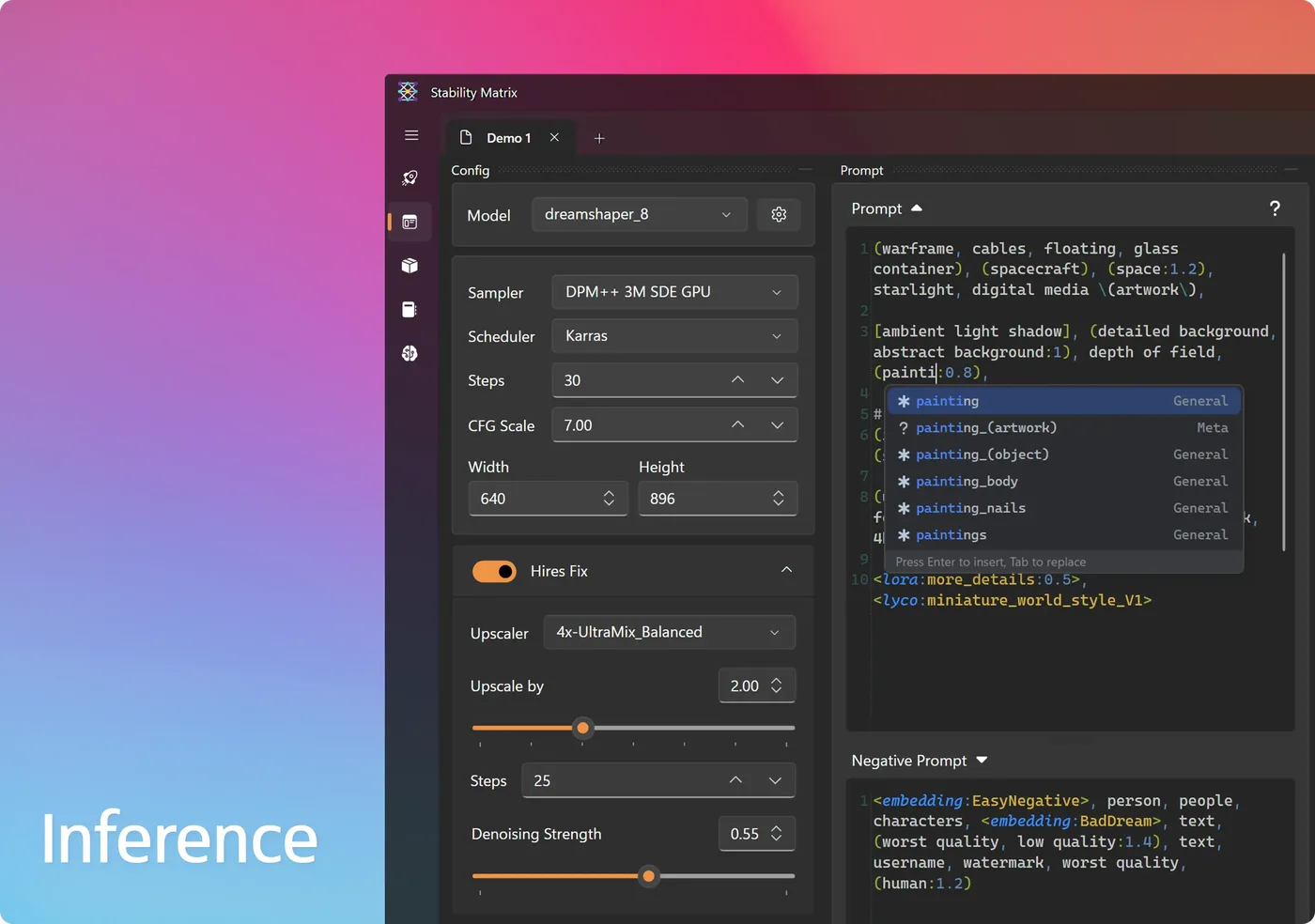
Stability Matrix
- Install many image AI interfaces from one app
- No separate Python, Git, or CUDA installation needed
- Shared model folder for all packages
- Portable data folder
- Separate helper for AMD cards on Windows (ROCm)
- An extra layer between you and the actual program, which can sometimes make errors harder to find
- The license terms of the finished downloads (EULA) differ from the open source code
- Some convenience features require a Lykos account
For you if you want to try several image AI programs without setting up each one manually.
How to install them
Pinokio
Download the 64-bit installer for Windows (Pinokio.exe) from desktop.pinokio.co and install it. After that, you install apps with one click from the catalog or via a GitHub link.
Stability Matrix
On Windows, download the file StabilityMatrix-win-x64.zip from the GitHub releases page, extract it, and start the program. According to the manufacturer, you do not need to install Python, Git, or CUDA separately.
Download programs only from the official site or the official repository.
Frequently Asked Questions
Which is better, Pinokio or Stability Matrix?
For image AI, Stability Matrix is the better choice: It installs ComfyUI, Forge, InvokeAI, and others and shares the models between them. Pinokio is broader and installs many different AI apps with one click, not just for images. With Pinokio, you should look at unknown installation scripts first. Choose Pinokio if you want to quickly try lots of different AI apps and you take a close look at unknown scripts. Choose Stability Matrix if you want to use several image AI programs without setting up each one separately.
Is Pinokio safe?
Pinokio itself is an open-source launcher. However, the installation scripts run with your normal user permissions and, according to the project, can execute any command. Only the scripts approved by the admin on the Discover page are checked.
Can I use an AMD card with Stability Matrix?
For AMD on Windows, there is a separate ROCm helper and packages like AMDGPU Forge. Support is limited, though, and not every package works equally well. With NVIDIA, you have the fewest problems.
More comparisons
Checked on Oct 21, 2026. All details in depth: Pinokio and Stability Matrix.