
Hunyuan3D-2 / Hunyuan3D-2.1 vs. TRELLIS.2
Two programs side by side: Who is each one for, what runs on your hardware, and how much work is the installation?
In short
Both turn an image into a 3D model, and both are only for experienced users. For you in Germany, only TRELLIS.2 is an option, because the license for Hunyuan3D-2 / Hunyuan3D-2.1 explicitly excludes the EU. TRELLIS.2 officially requires Linux and an NVIDIA card with at least 24 GB VRAM.
Hunyuan3D-2 / Hunyuan3D-2.1
Choose Hunyuan3D-2 / Hunyuan3D-2.1 if you live outside the EU and want to create high-quality 3D models with texture from images.
TRELLIS.2
Choose TRELLIS.2 if you live in the EU, know your way around Linux or WSL 2, and have an NVIDIA card with 24 GB VRAM.
The most important differences
| Hunyuan3D-2 / Hunyuan3D-2.1 | TRELLIS.2 | |
|---|---|---|
| What for | Tencent's model that turns an image into a 3D model with texture (in 2.1, with PBR materials). | Microsoft's 4-billion-parameter model that generates a 3D model with PBR materials from an image. |
| Who it’s for | For professionals | For professionals |
| Installation | Installation is complex | Installation is complex |
| Use | Web interface in the browser (Gradio) and Python scripts | Python scripts and Gradio web interface |
| Windows | yes | limited |
| Linux | yes | yes |
| macOS | yes | no |
| NVIDIA | yes | yes |
| AMD | unclear | unclear |
| Intel Arc | unclear | unclear |
| Apple (M chips) | unclear | no |
| processor only | unclear | no |
| Hardware note | According to the README, version 2.1 needs about 10 GB VRAM for the shape, 21 GB for the texture, and 29 GB for both; version 2.0 about 6 GB or 16 GB. Installation is designed for CUDA 12.4. | Officially NVIDIA only with at least 24 GB VRAM, tested on A100 and H100. The predecessor TRELLIS requires at least 16 GB. |
| Price | free (but the license does not apply in the EU) | free |
| License | Tencent Hunyuan 3D 2.1 Community License Agreement (Hunyuan3D-2: Tencent Hunyuan 3D 2.0 Community License Agreement) · Open Source | MIT · Open Source |
| By | Tencent Hunyuan | Microsoft |
| Version | 2.1 (Jun 13, 2025) | – |
Strengths and weaknesses

Hunyuan3D-2 / Hunyuan3D-2.1
- Very good shapes and textures from just one image
- PBR materials starting with version 2.1
- Smaller variants (2mini, Turbo) for less VRAM
- Blender add-on for version 2.0
- License does not apply in the EU, so not in Germany either
- Texture generation needs around 21 GB VRAM in 2.1
- Complex installation with compilation
- Results may not be used to train other AI models
For you if you live outside the EU and want to create high-quality 3D models from images with lots of VRAM.
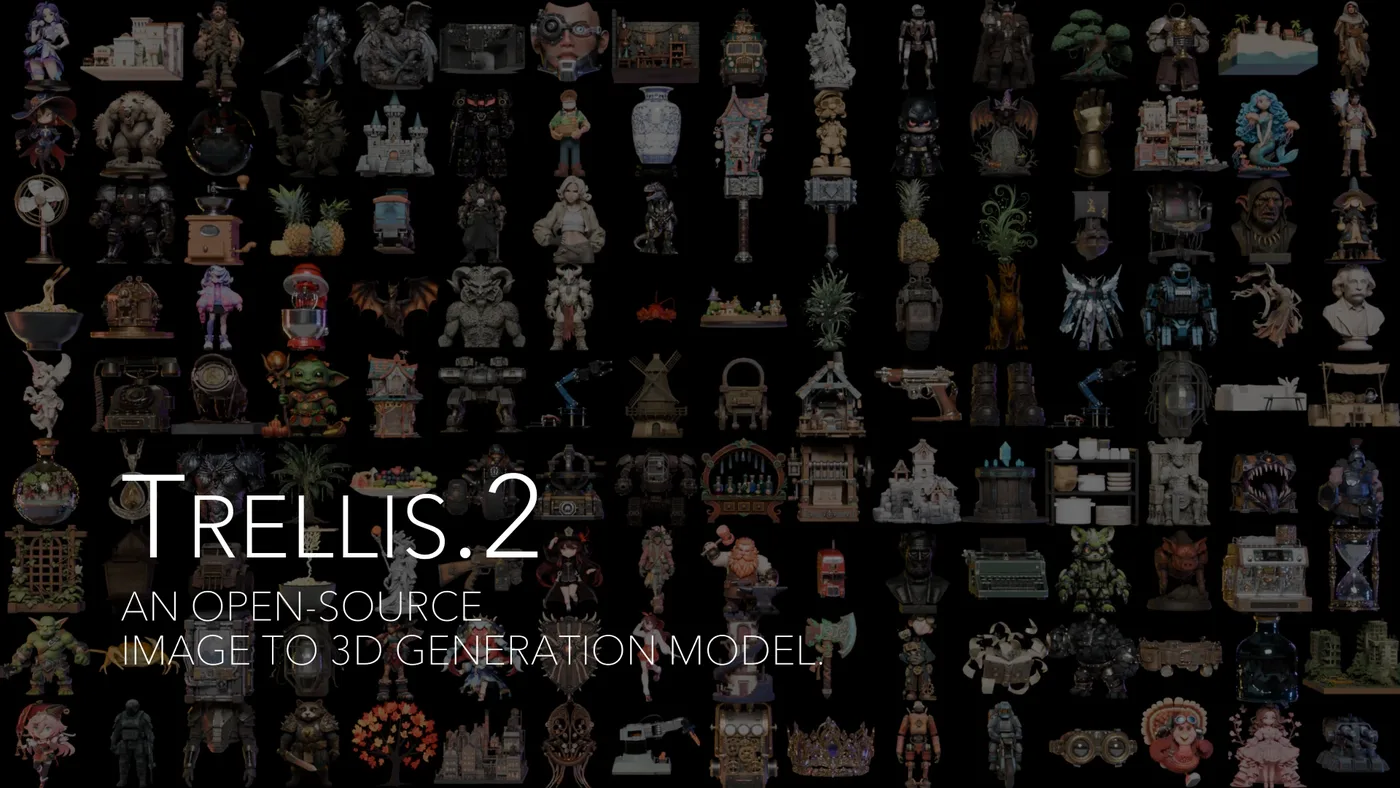
TRELLIS.2
- Free MIT license, also for commercial use
- PBR materials generated directly as well
- Includes a Gradio demo to try it out
- Training code is included
- Officially tested only on Linux, no Windows support
- At least 24 GB VRAM on NVIDIA
- Complex installation with many additional modules
For you if you know Linux or WSL 2, have a graphics card with 24 GB VRAM, and need a freely usable license.
How to install them
Hunyuan3D-2 / Hunyuan3D-2.1
Clone the repository, install PyTorch with CUDA 12.4 and the packages via pip, then compile two extra modules yourself; the guide assumes a Unix shell. For version 2.0, there are unofficial Windows packages from the community.
TRELLIS.2
Clone the repository with submodules and run the setup script, which creates a Conda environment with PyTorch and CUDA 12.4. The script is meant for Linux; on Windows, your only realistic options are WSL 2 or doing the work yourself.
Guide: Create a 3D model from photos – with AI or photogrammetry
Guide: Create a 3D Model with AI – from text to image to 3D figure
Download programs only from the official site or the official repository.
Frequently Asked Questions
Which is better, Hunyuan3D-2 / Hunyuan3D-2.1 or TRELLIS.2?
Both turn an image into a 3D model, and both are only for experienced users. For you in Germany, only TRELLIS.2 is an option, because the license for Hunyuan3D-2 / Hunyuan3D-2.1 explicitly excludes the EU. TRELLIS.2 officially requires Linux and an NVIDIA card with at least 24 GB VRAM. Choose Hunyuan3D-2 / Hunyuan3D-2.1 if you live outside the EU and want to create high-quality 3D models with texture from images. Choose TRELLIS.2 if you live in the EU, know your way around Linux or WSL 2, and have an NVIDIA card with 24 GB VRAM.
Can I use Hunyuan3D in Germany?
No. According to the text, the license explicitly does not apply in the EU, the United Kingdom, or South Korea. That means use in Germany is not licensed.
How much VRAM do I need for TRELLIS.2 and Hunyuan3D?
TRELLIS.2 officially needs at least 24 GB VRAM on an NVIDIA card. According to the README, Hunyuan3D 2.1 needs about 10 GB for the shape only and 29 GB for shape and texture together. Version 2.0 works with about 6 GB or 16 GB.
More comparisons
Checked on Oct 21, 2026. All details in depth: Hunyuan3D-2 / Hunyuan3D-2.1 and TRELLIS.2.