
HWiNFO
Hardware info and sensor program for Windows that lets you keep an eye on temperatures and usage while running AI.
- By
- Martin Malík (REALiX)
- Use
- Desktop app
- Price
- free for private use, paid Pro version
- License
- proprietary, freeware for private and non-commercial use
- Version
- 8.54
What is HWiNFO?
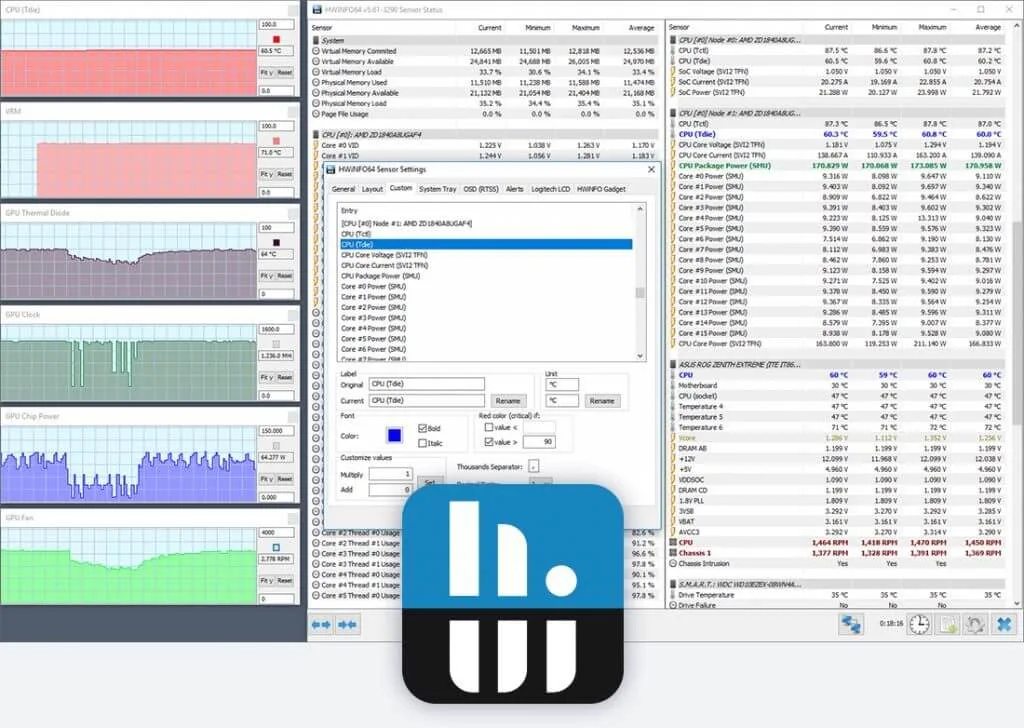
HWiNFO shows you detailed info about your hardware and the readings from all sensors in one window. For long AI tasks, you can see whether the graphics card or processor is getting too hot. The free version is enough for private use; some extras like automatic logging via command line are only available in the Pro version. There is an installer and a portable version.
For you if you want to monitor your PC's temperature and usage during long image or video generations.
Strengths
- Very detailed sensor display
- Portable version without installation
- Free for private use
Weaknesses
- Windows only
- Many readings; at first, it can be confusing for beginners
- Free version with limitations (e.g. 12 hours shared memory)
Does it run on your system?
| Operating system | Hardware | ||
|---|---|---|---|
| Windows | yes | NVIDIA | unclear |
| Linux | no | AMD | unclear |
| macOS | no | Intel Arc | unclear |
| Apple (M chips) | no | ||
| processor only | yes |
Installation
Download the installer or portable version from hwinfo.com (Windows 7 64-bit and newer) and open the sensor window.
Download programs only from the official site or the official repository.
License
proprietary, freeware for private and non-commercial use
You may use the free version privately and non-commercially; for work, you can only use it for 14 days as a trial, after that you need a Pro license (Engineer or Corporate).
The program license is something different from the model licenses you use in it. Whether you may sell results depends on the model; see Licenses. Not legal advice.
Alternatives
Known errors and solutions
Sources
Checked on Oct 21, 2026. Questions about HWiNFO? Ask in the forum.