
Git for Windows
The Windows version of Git that you use to download AI projects from GitHub and keep them up to date.
- By
- Git for Windows project
- Use
- Command line
- Price
- free
- License
- GPL-2.0
- Version
- 2.55.0(3) (Jul 14, 2026)
What is Git for Windows?
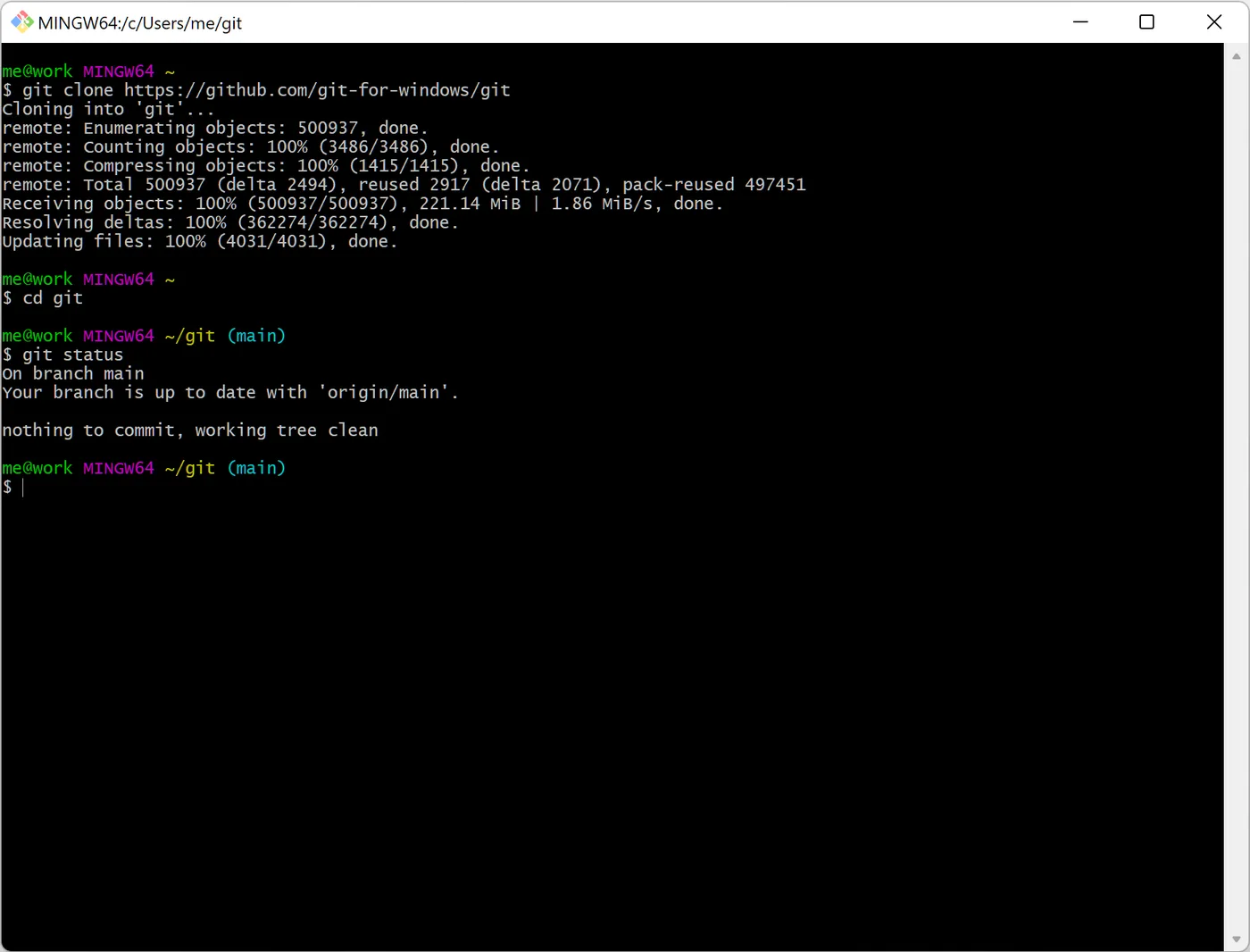
Many AI programs are installed with `git clone` and updated with `git pull`, for example ComfyUI in a manual installation or extensions (Custom Nodes). Git for Windows brings Git and its own command line (Git Bash) to your PC for this. You usually only use it with a few commands that are listed in the guides. If you only use installers or Stability Matrix, you often don't need it.
For you if you want to install AI programs directly from GitHub or add extensions by hand.
Strengths
- Standard tool that almost every AI guide requires
- Easy updates for projects with `git pull`
- Open and free
Weaknesses
- Command line, unfamiliar for beginners
- Many options in the installer that can be confusing
Does it run on your system?
| Operating system | Hardware | ||
|---|---|---|---|
| Windows | yes | NVIDIA | no |
| Linux | no | AMD | no |
| macOS | no | Intel Arc | no |
| Apple (M chips) | no | ||
| processor only | yes |
Installation
Download the installer from the official release page on GitHub (or via gitforwindows.org) and click through; the default settings usually work fine.
Download programs only from the official site or the official repository.
License
Alternatives
Known errors and solutions
Sources
- https://github.com/git-for-windows/git
- https://github.com/git-for-windows/git/releases
- https://raw.githubusercontent.com/comfyanonymous/ComfyUI/master/README.md
Checked on Oct 21, 2026. Questions about Git for Windows? Ask in the forum.