
Docker Desktop
Desktop app for containers that lets you start prepackaged AI programs like Open WebUI in isolation.
- By
- Docker, Inc.
- Use
- Desktop app and command line
- Price
- free for private users and small companies, otherwise a paid subscription
- License
- Docker Subscription Service Agreement (proprietary)
- Version
- 4.96.0 (Oct 19, 2026)
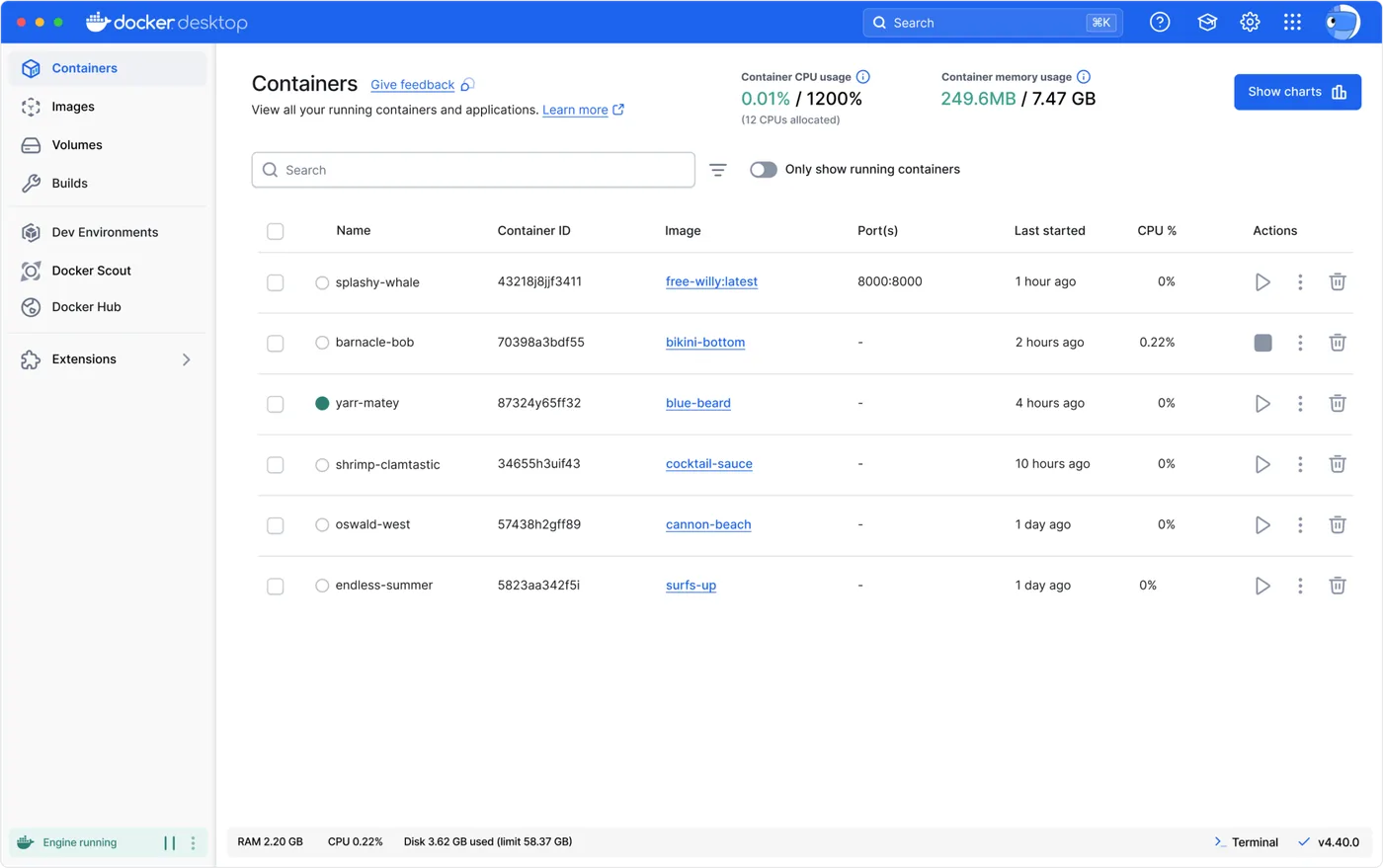
What is Docker Desktop?
Docker packages programs and all their dependencies into containers that you start and delete with a single command. Many AI projects offer ready-made Docker images, for example web interfaces for chat AI. Docker Desktop provides a graphical interface for this, the Docker command line, and other tools like Docker Model Runner. On Windows, it all runs through WSL 2. You should be somewhat familiar with the command line and ports.
For you if an AI project offers a Docker installation and you want to run it cleanly separated from the system.
Strengths
- Programs run cleanly separated from the rest of the system
- Many AI projects offer ready-made images
- Containers can be easily removed or set up again
- NVIDIA GPU can be used in the container
Weaknesses
- Not open source, subscription required for larger companies
- Requires WSL 2 or Hyper-V and virtualization in the BIOS
- Windows Home is not mentioned in the system requirements
- GPU support on Windows only for NVIDIA
Does it run on your system?
| Operating system | Hardware | ||
|---|---|---|---|
| Windows | yes | NVIDIA | yes |
| Linux | yes | AMD | unclear |
| macOS | yes | Intel Arc | unclear |
| Apple (M chips) | unclear | ||
| processor only | yes |
According to the docs, GPU passthrough on Windows is only for NVIDIA cards and only with the WSL 2 backend.
Installation
Download the Windows installer from docker.com; it uses WSL 2 by default. According to the docs, Windows 10 22H2 or Windows 11 23H2 (Pro, Enterprise, or Education), 8 GB RAM, and virtualization enabled in the BIOS are required.
Download programs only from the official site or the official repository.
License
Docker Subscription Service Agreement (proprietary)
Free for personal use, education, non-commercial open-source projects, and small companies with fewer than 250 employees and less than US$10 million in annual revenue; larger companies and public authorities need a subscription.
The program license is something different from the model licenses you use in it. Whether you may sell results depends on the model; see Licenses. Not legal advice.
Alternatives
Known errors and solutions
- could not select device driver "" with capabilities: [[gpu]] (Docker cannot pass the graphics card through to the container)
- Docker Desktop: WSL needs updating / WSL 2 installation is incomplete
- Ollama: model "…" not found, try pulling it first (model missing on this server)
- Open WebUI or AnythingLLM can't find Ollama
- Open WebUI: Ollama: 500, message='Internal Server Error' (Ollama reached, but model cannot respond)
- Open WebUI: WebSocket connection failed / is not an accepted origin (page keeps loading behind reverse proxy)
- Ports are not available: … bind: An attempt was made to access a socket in a way forbidden by its access permissions (Port is reserved by Windows)
- WSL 2: 0x80370102 – Virtualization not enabled
Sources
- https://docs.docker.com/subscription/desktop-license/
- https://docs.docker.com/desktop/
- https://docs.docker.com/desktop/setup/install/windows-install/
- https://docs.docker.com/desktop/features/gpu/
- https://docs.docker.com/desktop/release-notes/
Checked on Oct 21, 2026. Questions about Docker Desktop? Ask in the forum.